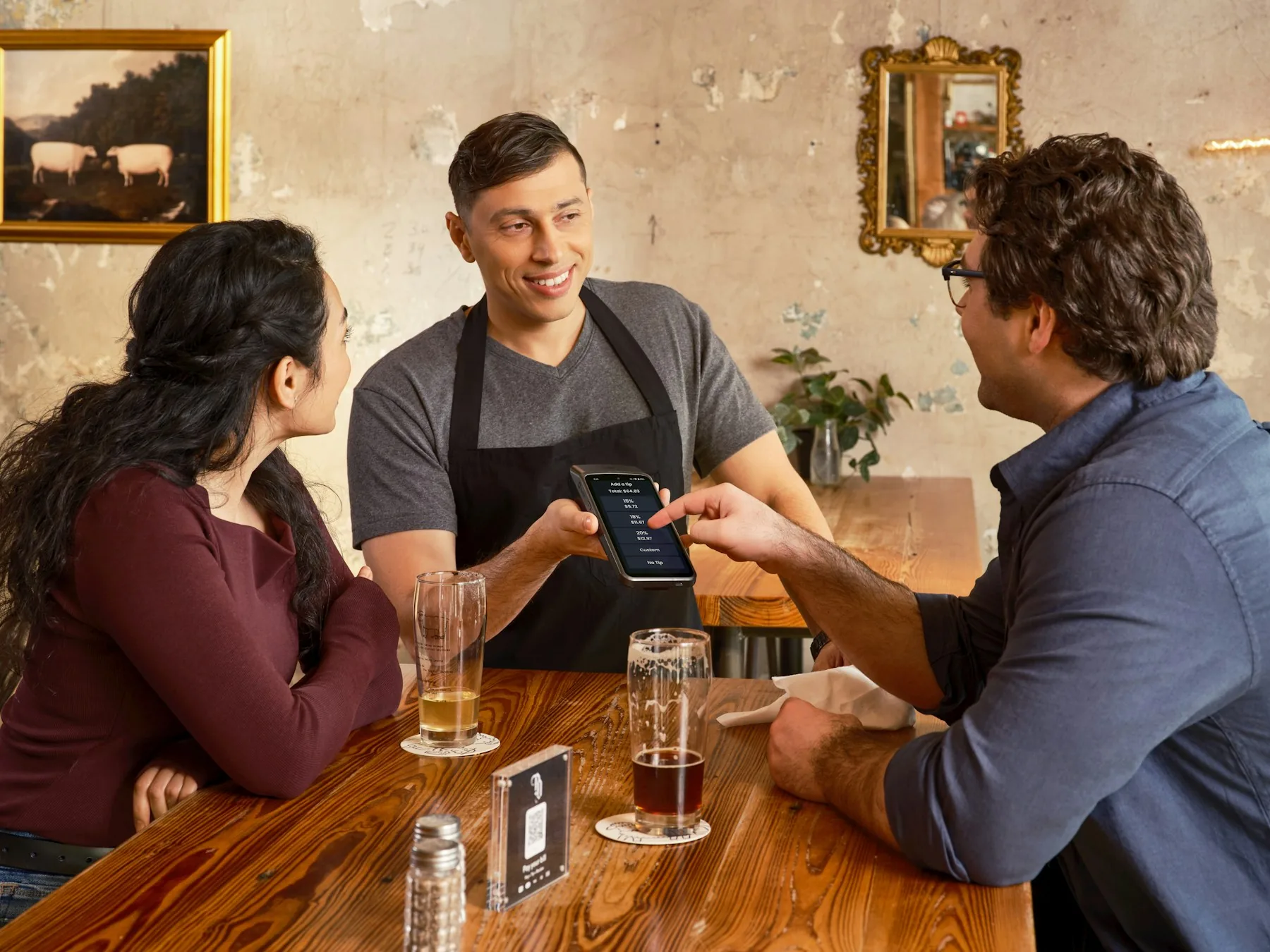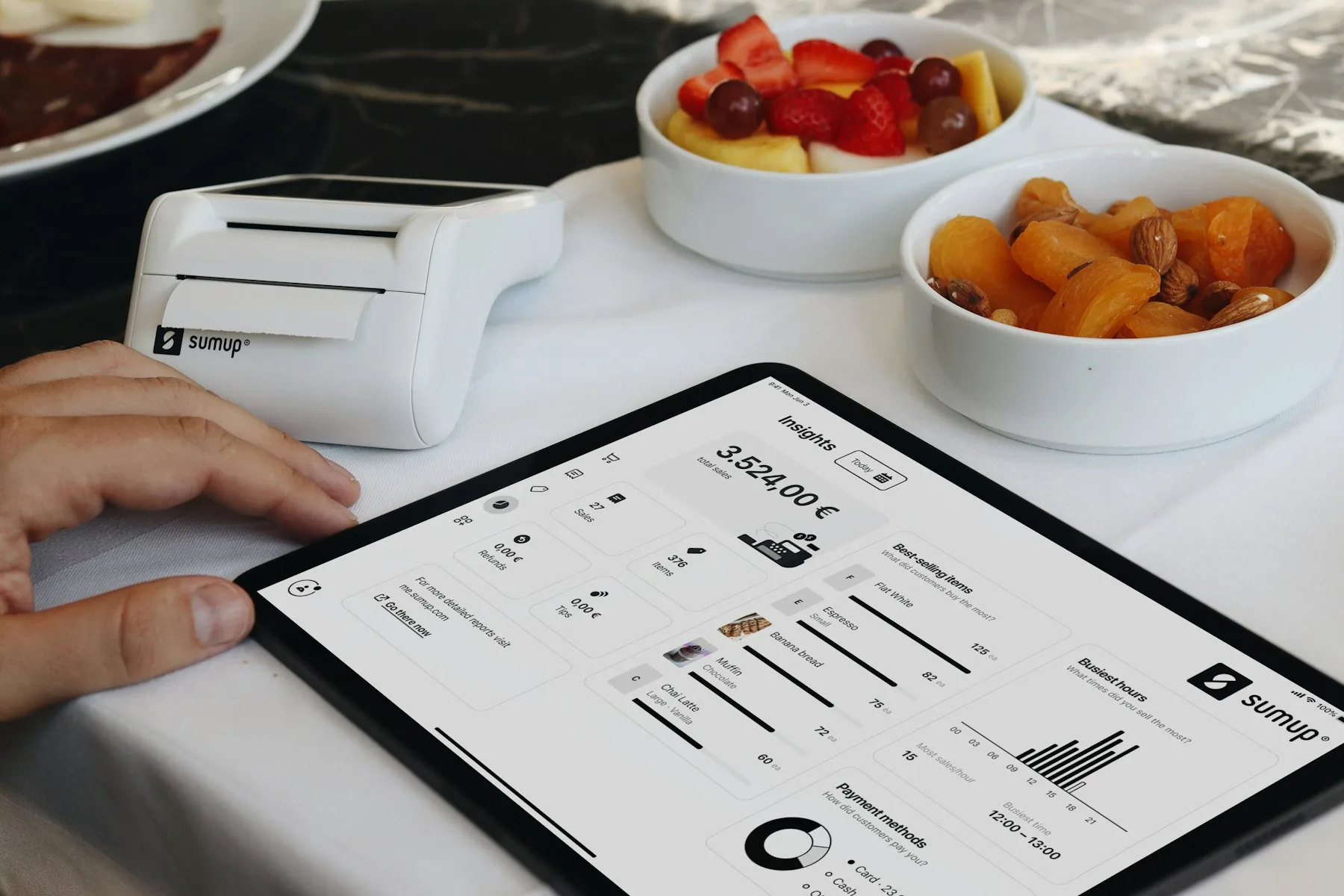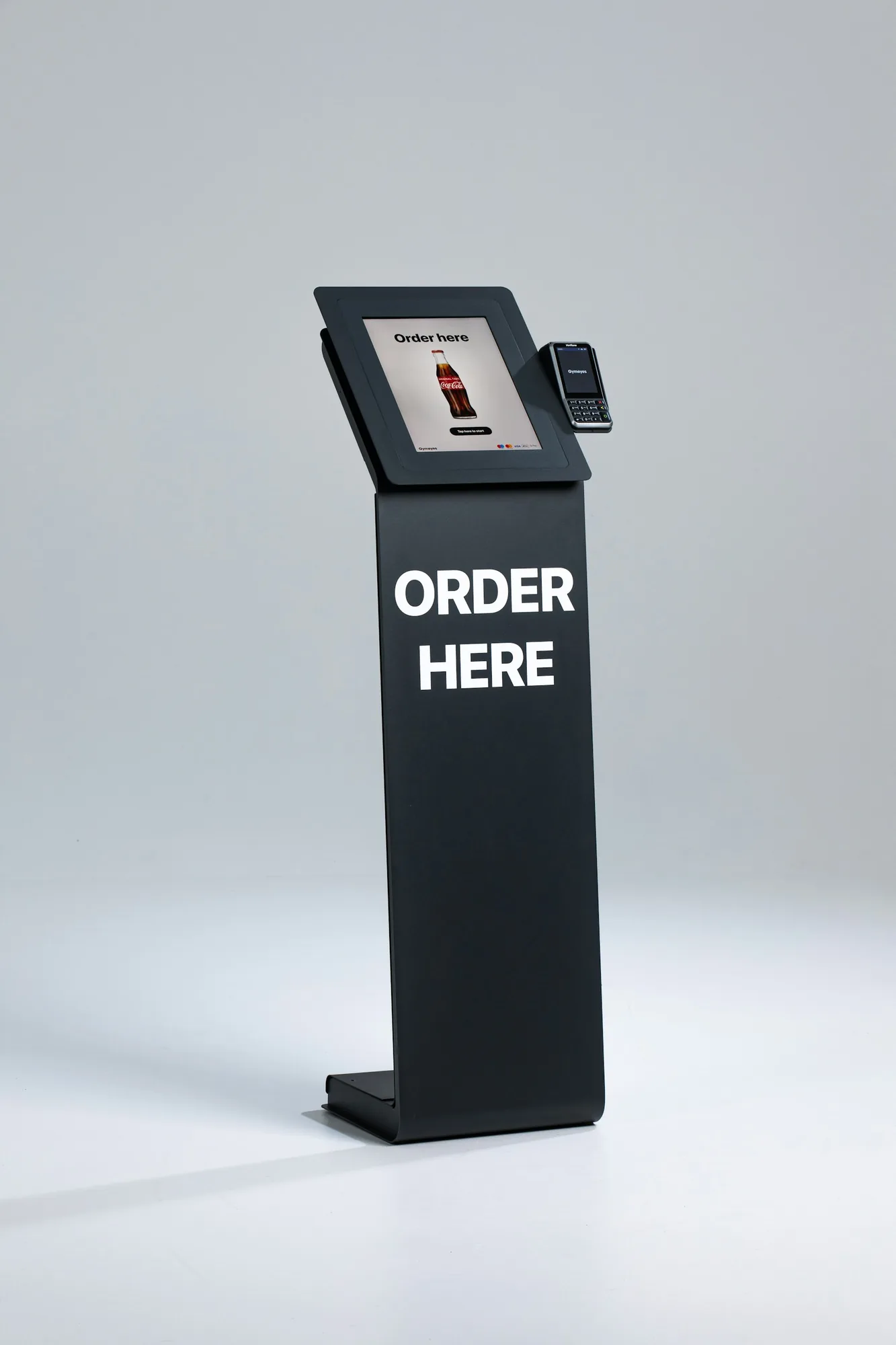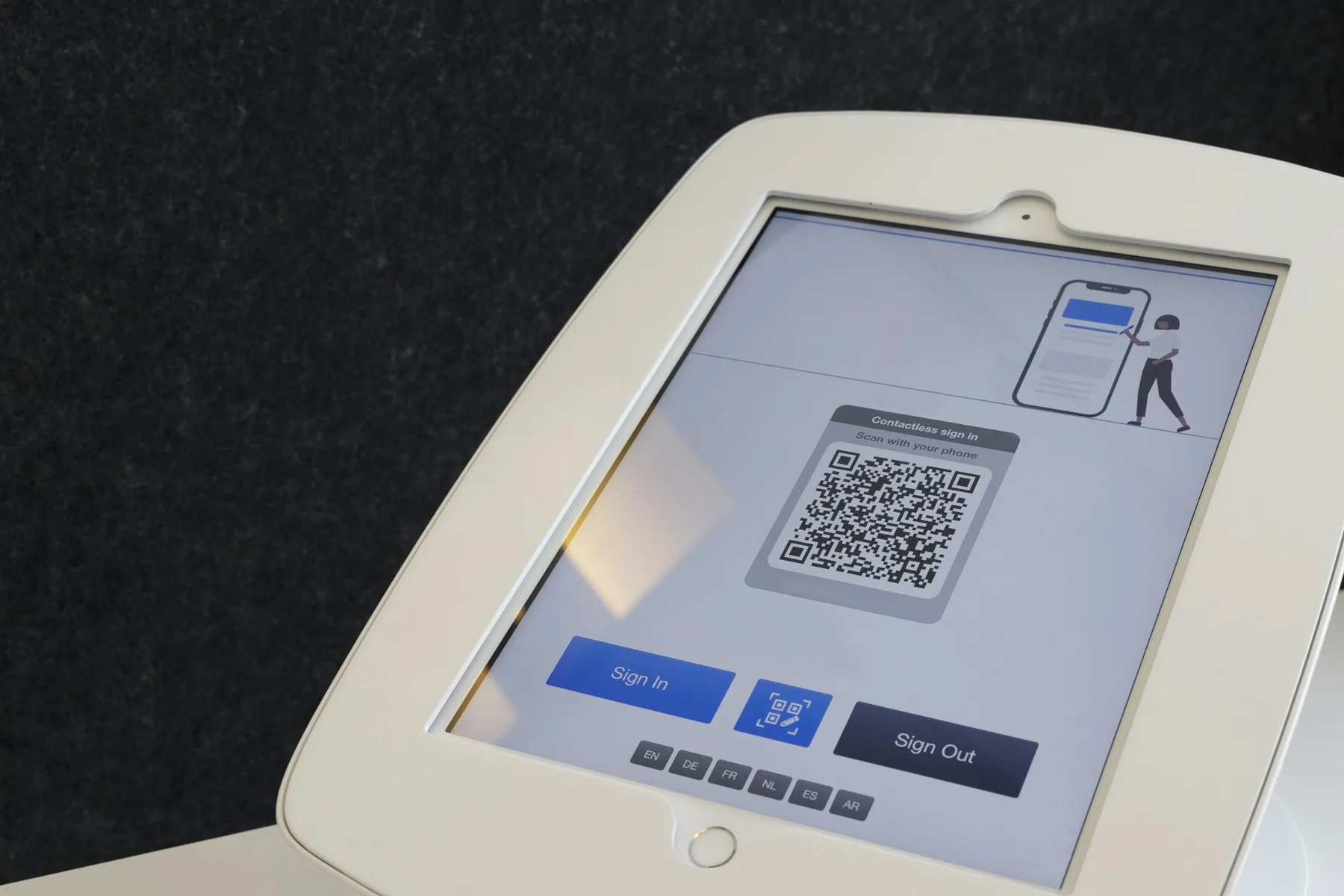
McDonald's-style screens have become a symbol of the digital restaurant, but kiosks are only one model. Restaurants can also use table tablets, QR ordering or a hybrid model with a host and staffed till. Customers tap the screen themselves in every model, but the operational implications are very different.
Read about hospitality in our guide to when a restaurant needs a waiter, and compare specific suppliers in our guide to QR, kiosk and table-tablet solutions. Here, we examine the ordering models themselves.
A kiosk is designed for a high volume of individual orders. A table tablet is strongest when the same table orders repeatedly. QR ordering requires less equipment but asks customers to use their own phones. The question should therefore not be whether the restaurant needs to become more digital. It should be:
Which delay or task should self-service remove, and for whom?
The four models solve different problems
| Model | The customer uses | Strongest when | Typical weakness |
|---|---|---|---|
| Self-service kiosk | The restaurant's freestanding screen | There are many walk-in customers, the menu is standardised and payment takes place before production | Requires floor space, equipment, maintenance and assistance at the screen |
| Table tablet | The restaurant's tablet | Customers reorder several times, for example sushi, tapas, drinks or all-you-can-eat | Many devices must be purchased, charged, cleaned, updated and secured |
| QR ordering | Their own phone | Customers are seated and the restaurant wants to offer digital ordering without a device on every table | The phone, battery, network, small screen and payment flow all become part of the experience |
| Hybrid | A digital channel plus a member of staff | Customers have different needs or hospitality remains part of the product | Requires clear roles so the digital and staffed channels do not create duplicate work |
What does the research actually show?
Digital suppliers often promote higher average transaction values, faster service and lower labour costs. The research demonstrates possibilities, not guarantees.
Management Science studied tabletop technology: In the final peer-reviewed analysis, a study of a restaurant chain's phased introduction of table tablets found approximately 1 per cent higher sales per transaction, meal duration just under 10 per cent shorter and sales per minute around 11 per cent higher. Staffing did not decline at this particular chain. This shows that technology can improve capacity without an accompanying reduction in staff; it does not mean labour savings are impossible elsewhere.
Cornell measured staff time at the table: Direct observations in a casual-dining chain found 17 per cent shorter meal times when customers ordered through tabletop technology and 31 per cent shorter times when they both ordered and paid digitally. Servers' contact time and the required service time per table also fell significantly.
A Japanese restaurant study found a real labour effect: When digital ordering took over order entry in a restaurant with an extensive menu, the rota could be changed. Total working hours fell while sales per labour hour rose. The researchers also identified problems for older customers and a need for better screen design.
Another field experiment found the opposite: In a real quick-service restaurant, customers rated the kiosk more positively, but service from employees generated more revenue, particularly during busy periods. The kiosk was faster than the till when the restaurant was quiet.
The findings are not necessarily contradictory. They measure different types of restaurant and different outcomes: employee numbers, working hours, staff minutes per table, capacity and sales. An employee can sell effectively and resolve uncertainty quickly. A good screen can take over repetitive order entry. A poor screen can create more requests for help and cause customers to abandon a purchase.
The greatest effect may matter most in the smallest team
In a restaurant with only one or two people working, order entry is not a separate job. It competes with cooking, collection, restocking, clearing and helping customers. When a kiosk, table tablet or QR code takes over some orders, the effect can therefore be significant even if the employee headcount remains unchanged on paper.
The benefit can appear in at least four ways:
- The same team can handle more customers at peak times
- The restaurant can avoid scheduling an extra person solely to take orders
- A shift can be shortened or fewer front-of-house hours scheduled
- An employee can move from the till to production, collection or genuine hospitality
The last benefit is not a cash wage saving, but it may still be valuable. The restaurant should therefore measure headcount, total working hours and staff minutes per 100 orders. Otherwise, a genuine productivity gain may disappear within an average that is too broad.
When is a kiosk the strongest solution?
Kiosks are particularly relevant at airports, stations, food halls, fast-food and takeaway venues, and quick lunch concepts. Many customers arrive without reservations and often want to order and pay immediately.
A kiosk has three practical advantages:
- Several customers can order at the same time
- The restaurant controls the screen size, menu presentation and payment flow
- Customers do not need to download an app or use their own phones
It works best with an easy-to-navigate menu, clear images, a small number of logical options and kitchen production that can keep pace. If every order needs lengthy explanations or extensive customisation, the screen may be slower than a skilled employee.
When does a tablet at every table make sense?
A table tablet is most interesting when repeat ordering is central to the meal, as in sushi, all-you-can-eat and tapas restaurants, bars and concepts offering many choices.
Customers can order another round without attracting a waiter's attention. At the same time, the system can control intervals, portion limits and which dishes are temporarily unavailable from the kitchen.
But 25 tables do not simply mean 25 tablets. They also mean holders, power, batteries, cleaning, damage, theft prevention, updates, a network and a procedure for devices that fail during service. The table tablet must create value several times during a visit to justify the larger investment.
When is QR the better solution?
QR ordering provides much of a table tablet's functionality without requiring restaurant-owned hardware at every table. It is well suited to cafés, bars, outdoor seating and casual restaurants. The page should open directly, identify the table and work without an app, account or unnecessary steps.
In hotels, room service and tourist locations, the digital menu can also support staff across language barriers. Dishes, options and allergens can be presented in more languages than the team itself can speak, while employees spend their time on hospitality and special questions. Translations must be quality-checked and updated at the same time as the main menu.
The restaurant should always offer a visible alternative. A flat phone battery, or a customer who does not want to use a personal device, must not leave someone without access to a menu and service.
A queue can create hype - and cost sales
A visible queue can act as social proof: a crowd waiting may signal that a venue is popular and worth visiting. Consumer research has also found that under certain conditions, waiting can increase purchases when customers interpret the queue as evidence of other people's preference.
But a queue also consists of customers who have not yet purchased anything. A study of 94,404 restaurant customers found that longer waits were associated with more customers abandoning the queue, spending less time in the restaurant and waiting longer before returning.
A queue is therefore only valuable if it attracts more people than it drives away. Kiosks, tablets and QR codes can create more ordering points without placing another employee at every till. This is particularly important at airports, stations or during a short lunch break, where customers can easily choose the neighbouring venue if the ordering queue looks too slow.
Self-ordering can move the queue to the kitchen
Four kiosks can receive orders far faster than one till. That is only an advantage if the kitchen and collection area can keep up.
Theoretical capacity can be calculated as follows:
Orders per hour = number of simultaneous screens × 3,600 / median ordering time in seconds
Four kiosks at 90 seconds per order provide a theoretical capacity of 160 orders an hour. That is not a promise of 160 finished meals; the kitchen may only be able to produce 70.
The restaurant has not removed the queue. It has moved it from ordering to collection. The same principle applies to faster table turnover: remove the waiting time the customer does not want without creating a new bottleneck.
The system should therefore be able to display realistic waiting times, manage the flow of orders and route each order correctly to the POS and kitchen display system. Otherwise, faster ordering can produce slower service.
Calculate contribution margin, not just average transaction value
A larger total on the receipt does not necessarily make a better business. If the screen primarily sells low-margin products, or if larger orders overload the kitchen, revenue may increase without a corresponding rise in earnings.
A simple decision calculation is:
Annual net value = additional contribution margin from sales and capacity + realised labour value - software, payment, servicing, equipment losses and other operating costs
Labour value should be included when the released minutes are used for more orders, better hospitality, less overtime or a genuine rota change. A broader study of Korean restaurants found only a small average effect on the number of full- and part-time employees, while the Japanese restaurant study above found fewer working hours. Self-service is therefore not an automatic wage saving, but it can change time use, roles and the number of customers a small team can handle.
Break-even per digital order can be calculated as follows:
Required additional contribution margin per order = annual additional costs / number of digital orders
As a purely illustrative calculation, assume implementation costs DKK 90,000, annual operation costs DKK 36,000 and the restaurant expects 45,000 digital orders in the first year. Without other documented benefits, each digital order must create an additional DKK 2.80 in contribution margin to cover the entire first year. From year two, the requirement is DKK 0.80 if implementation has been paid for and the operating price remains unchanged.
These figures are not market prices. They show which numbers the restaurant must obtain from quotations, its own transaction data and a defined test.
Customers must be able to see, understand and change their minds
A digital menu should make choosing easier, not use hidden default selections or intrusive upselling. Price, portion size, allergens, options and the total basket must be clear before the customer pays.
Since 28 June 2025, the EU's accessibility rules have covered payment terminals, certain self-service terminals and e-commerce, among other areas. Ask the supplier to document features including font size and text-to-speech. Test the screen with different customers, and provide human assistance and an alternative way to order.
The test every restaurant should run before buying
Start with one area, a small number of tables or a limited period. Compare it with a normal period and measure at least:
- Time from arrival to order placement
- Orders per 15 minutes at peak times
- Proportion of customers choosing the digital channel
- Average transaction value and contribution margin per order
- Add-ons, repeat orders and product mix
- Errors, cancellations and remakes
- Kitchen ticket time and waiting time at collection
- Staff minutes per 100 orders
- Number of customers asking for help or abandoning the process
- Downtime, network errors and payment problems
- Customer satisfaction and intention to return
Define in advance what must improve for the solution to continue. Otherwise, the restaurant risks interpreting every small improvement as proof that the investment was right.
Conclusion: Do not buy a screen - choose an ordering model
Kiosks, table tablets and QR ordering are not three versions of the same product.
Kiosks suit high walk-in traffic and immediate payment. Table tablets suit repeated orders during the same visit. QR suits seated customers when the restaurant wants lower equipment costs. A hybrid model works when technology should remove routine work and waiting without removing hospitality.
The best solution is not the one that looks most modern. It is the one that makes buying easier for customers, helps staff provide better service and sends orders into a kitchen that can actually deliver them.
Sources and further reading
- Management Science: At Your Service on the Table - Impact of Tabletop Technology on Restaurant Performance
- European Marketing Academy: The Effect of Order Kiosks on Purchase Behavior
- Journal of Hospitality and Tourism Technology: Do Kiosks Outperform Cashiers?
- Technology in Society: The Effects of Self-Service Kiosks in Restaurants on Labor Outcomes
- Cornell Hospitality Quarterly: Tabletop Technology, Table Turn and Service Labor Usage
- Digital Ordering Improves Labor Productivity in Multiproduct Restaurants
- Journal of Operations Management: How Restaurant Waiting Time Influences Customer Behavior and Revenue
- Hate the Wait? How Social Inferences Can Cause Customers Who Wait Longer to Buy More
- Tourism and Hospitality Management: Customer Intention to Reuse Self-Ordering Kiosks
- European Commission: The European Accessibility Act applies from 28 June 2025