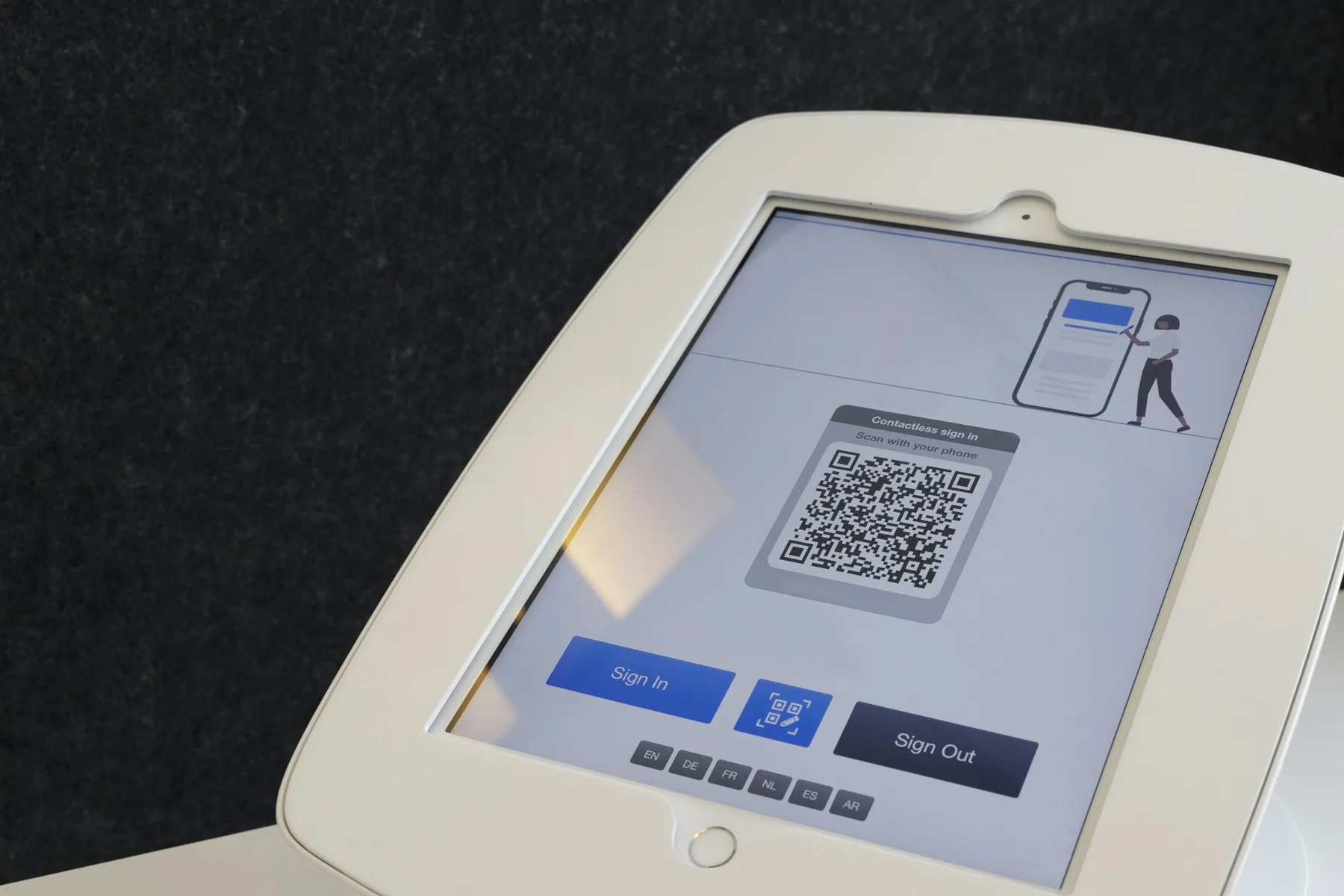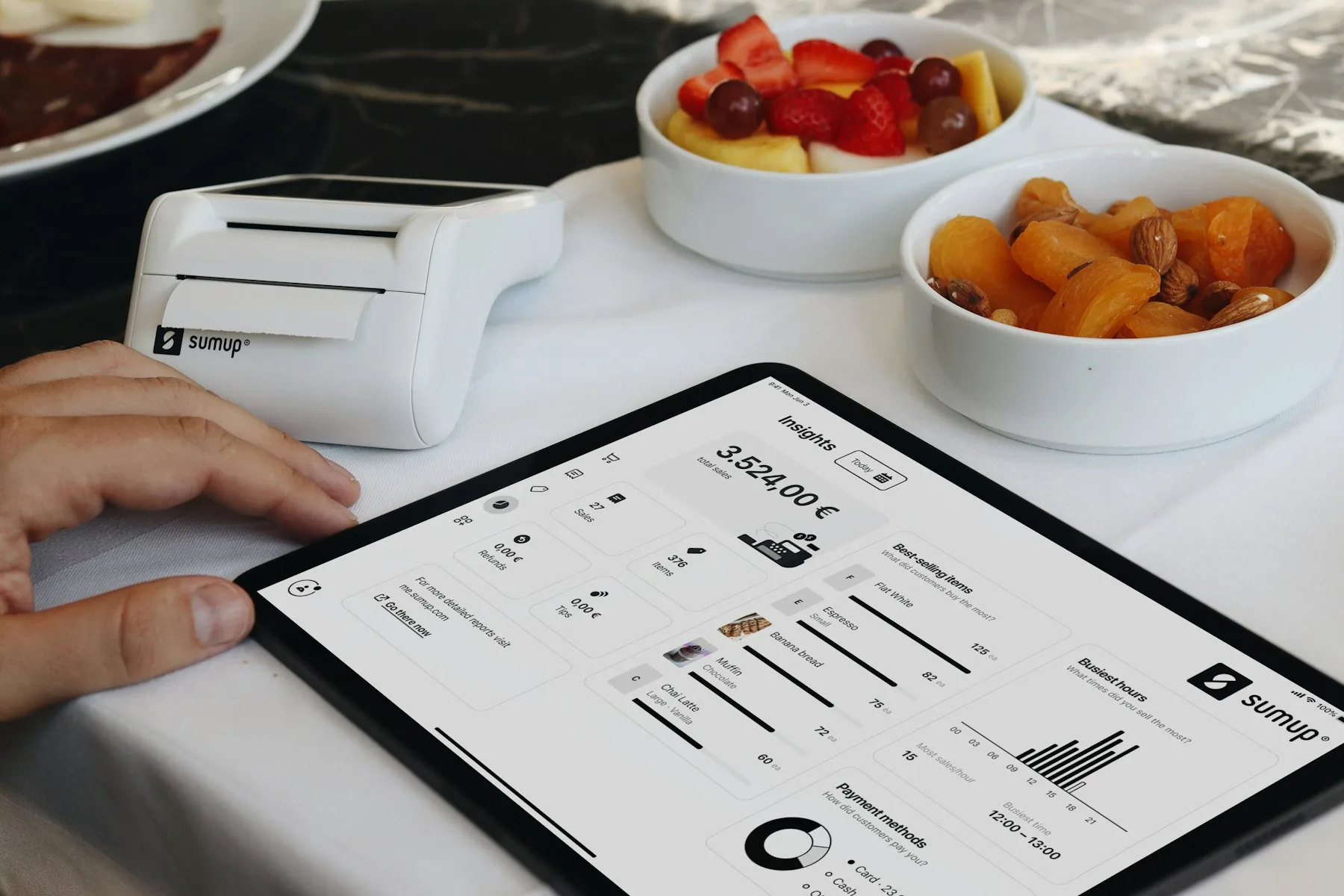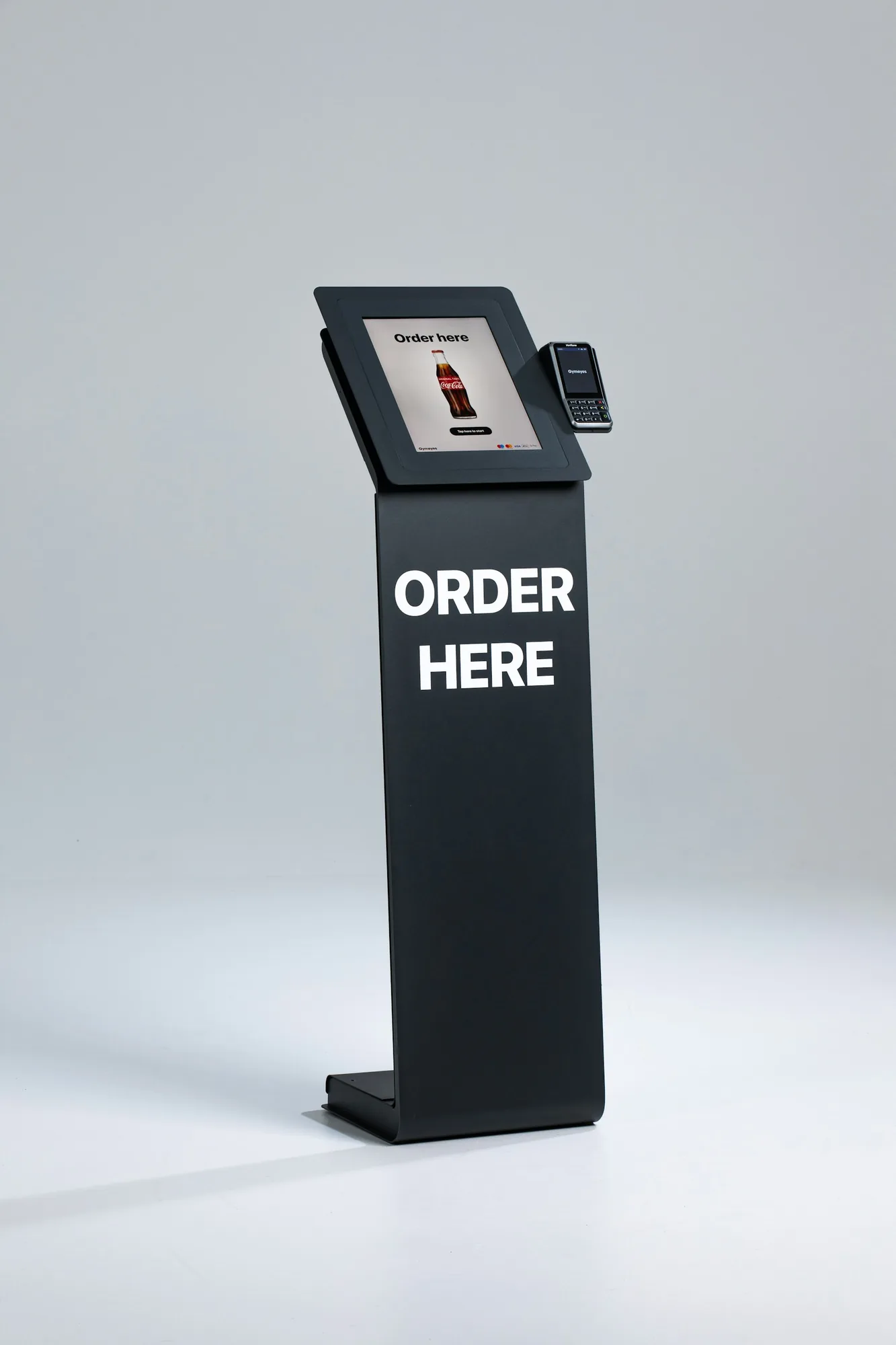
A restaurant can buy a modern self-service solution and still create more waiting. This happens when customers have to create an account, confirm an email address, download an app or hunt for the basket on a small screen.
This comparison therefore does not start with the number of features. It starts with the customer's journey from hunger to a paid order.
We reviewed public information from nine suppliers, checked on 7 August 2026. This is not a hands-on user test. We have not tried every screen, tested every payment or checked every configuration. When a supplier does not publicly describe login requirements, the number of steps or error handling, we do not describe the flow as demonstrably frictionless.
Independent assessment: This article is not sponsored. All information comes from publicly available sources, and Gastroplan has not received payment, commission, products or any other consideration from the suppliers mentioned. The selection and assessments are our own. Information, prices and terms may change, so always check the specific quotation and current agreement.
Our longlist: In our market review, we identified Bordklar, OnlinePOS, Trivec Buddy, Trivec Kiosk, Jamezz, orderBilly, NemPOS, Caspeco, Shopbox, FlexyBox, Fresto, Quickorder, BookEtBord Selvbetjening, FoodlyOn and Tapily. The table is our editorial selection of nine solutions relevant to Danish restaurants for which public information provided a basis for comparing customer journeys and integrations. The longlist shows every candidate we found; it does not imply that no other supplier exists.
The selection is neither the nine largest suppliers nor random. Comparable market shares are not public. We selected different types of solutions with documented restaurant relevance: a standalone login-free QR solution, Danish POS add-ons and broader platforms with kiosks or table tablets. Here, public evidence of a simple customer journey carries more weight than a long feature list.
The most important entry requirement: No unnecessary friction
As a starting point, a good solution should provide this flow:
Scan or tap → view menu → choose and customise → pay → receive clear confirmation
It should not require an account, login, app download or email confirmation for an ordinary purchase. It should open directly, remember the table automatically, offer Apple Pay, Google Pay or another fast payment method, and send the order directly to the POS and kitchen.
Reordering must be easy. Errors must be correctable. Customers who do not want to or cannot use the solution must have a visible human alternative.
This is the practical benchmark from our guide to kiosk, table-tablet and QR ordering. The research in that article shows that self-service can shorten service times and release staff hours, but also that a poor solution can move work from the till to customer assistance.
Nine solutions on the public shortlist
How to read the table: Yes means the supplier describes the feature publicly. Not documented means we did not find a clear public answer, not necessarily that the feature is missing. This is particularly important in the app and login columns: a browser-based solution is not automatically login-free.
Comparison - part 1 of 2
| Solution | QR | Kiosk | Customer tablet | No app | No login |
|---|---|---|---|---|---|
| Bordklar | Yes | Not documented | Not documented | Yes | Yes |
| OnlinePOS QR and kiosk | Yes | Yes | Not documented | Browser | Not documented |
| Trivec and Jamezz | Yes | Yes | Yes | Unclear | Not documented |
| NemPOS self-service and QR | Yes | Yes | Not documented | Browser | Not documented |
| Caspeco | Yes | Yes | Not documented | Web option | Not documented |
| Shopbox | Yes | Yes | Not documented | Unclear | Not documented |
| FlexyBox | Yes | Not documented | Not documented | Browser | Not documented |
| Fresto | Yes | Not documented | Not documented | Yes | Menu: yes; ordering flow unclear |
| Quickorder | Yes | Not documented | Not documented | Unclear | Not documented |
Comparison - part 2 of 2
| Solution | Online payment | Direct to POS/kitchen | Reordering | Public price* | Term/cancellation* |
|---|---|---|---|---|---|
| Bordklar | Yes | To kitchen; POS unclear | Yes | DKK 8,000 setup + DKK 1,000/month | No minimum term; cancel at any time |
| OnlinePOS QR and kiosk | Yes | Yes | Not documented | Quotation required | Not publicly stated |
| Trivec and Jamezz | Yes | Integration | Not documented | Quotation required | Initial term in quotation; then 6 months; 30 days' notice |
| NemPOS self-service and QR | Yes | Yes | Not documented | QR/POS from DKK 695/month; kiosk requires a quotation | Not publicly stated |
| Caspeco | Yes | Yes | Not documented | Quotation required | Initial term depends on activation (maximum approx. 18 months); then 12 months; 3 months' notice |
| Shopbox | Yes | Yes | Not documented | POS from DKK 447/month; self-service may cost extra | No minimum term |
| FlexyBox | Yes | Yes | Not documented | Quotation required | Term and renewal are stated in the agreement |
| Fresto | Yes | Yes | Yes | Quotation required | Not publicly stated |
| Quickorder | Yes | Yes | Not documented | QR package from €93/month | 3 months to the end of a calendar month |
* Prices are visible starting prices, normally excluding VAT. Hardware, payment fees, installation and required POS packages may be additional. A POS starting price is not necessarily the price of QR, kiosk or table-tablet functionality. Individual quotations may change the minimum-term conditions; obtain the initial term, renewal and notice period in writing. ‘Not publicly stated’ does not mean ‘no minimum term’.
Suitability and what the demonstration must clarify
| Solution | Best suited to | What needs clarification |
|---|---|---|
| Bordklar | Restaurants prioritising a documented login-free QR flow | Stability at high volume, POS integration, data export and exit terms |
| OnlinePOS | High-volume operations where QR and kiosk orders must enter the same till and kitchen workflow | Login requirements, number of steps and complete price including hardware and payments |
| Trivec/Jamezz | Chains, food halls, sushi and tapas restaurants using several forms of self-service | Danish payment flow, login, error correction and the specific integration package |
| NemPOS | Small and medium-sized venues seeking to combine a Danish POS system, QR and kiosks | Licence, hardware, number of customer steps and total price |
| Caspeco | Larger operations with multiple sales channels and locations | Customer tablet, standard flow without an account and total Danish price |
| Shopbox | Smaller venues seeking self-service closely integrated with a simple POS | Login, kiosk hardware, kitchen workflow and required package |
| FlexyBox | Restaurants considering the complete FlexyBox ecosystem | Login-free use, number of steps, hardware and module price |
| Fresto | Restaurants with many repeat orders and Open Tab | Login, payment and checkout flows, plus the total price |
| Quickorder | Takeaway operators and restaurants in Quickorder's POS and online ecosystem | Login, transaction price, error handling and the complete customer journey |
Which solutions look strongest - and for what?
Bordklar is the only candidate in the table that publicly describes both ‘no app’ and ‘no login’, but POS integration and capacity still need to be proven. OnlinePOS and NemPOS are strong starting points when a Danish POS system and physical kiosks must work together. Trivec with Jamezz describes the broadest combination of QR, kiosks and customer tablets. Caspeco, Shopbox, FlexyBox, Fresto and Quickorder are particularly relevant if the restaurant is already considering the rest of their ecosystem. This is a priority list for demonstrations, not a declaration of a winner without customer testing.
The technology must suit the ordering situation
| Situation | Strongest starting point | Why | Typical pitfall |
|---|---|---|---|
| Airport, station and quick lunch | Kiosk supplemented by a staffed till | Many walk-in customers can order in parallel, the menu can be shown in several languages and customers do not need to find a table first | The kiosk conceals the queue in front of an already overloaded kitchen |
| Café or bar with one or two people working | QR at the table or within the area | The order can be received while the employee prepares food or drinks, serves or helps another customer | Customers abandon the process because of login, slow payment or a lack of human assistance |
| Sushi, tapas and frequent repeat orders | Table tablet or extremely simple QR | Customers can order several rounds without waiting for a waiter | Too many simultaneous orders overload the kitchen |
| Traditional full service | QR payment or optional add-on ordering | Removes waiting when reordering and paying without removing hospitality | Compulsory self-service feels like poorer service |
At hotels, in room service, airports and tourist areas, a digital menu can offer more languages than most teams can speak. This can reduce misunderstandings about dishes, options and allergens if the translations are quality-checked.
Kiosks require hardware and floor space; QR uses the customer's phone; table tablets require charging and cleaning. Also clarify whether the screen is operated by the customer or only by a waiter.
The crucial capacity is parallel order intake
Imagine that a single staffed till takes an average of 75 seconds per order. This gives a theoretical maximum of 48 orders an hour before allowing for pauses, questions and errors. Three kiosks can receive three orders at the same time. This does not mean the restaurant can suddenly produce three times as much; it only means the ordering queue is no longer tied to one employee's conversation at a time.
Measure three different queues: before ordering, in the kitchen and at collection. If the kitchen can complete 40 orders an hour, the system must be able to display realistic waiting times, restrict time slots or pause products. Otherwise, a shorter queue at the till simply becomes a longer and less visible queue after payment.
How to test the solution without a laboratory
The supplier's demonstration should take place on a new phone with no saved cookies and involve an ordinary customer, not just the salesperson.
Measure these ten points:
Does the menu open directly without an app, account or login?
How many taps are required from scanning to payment?
Can customers find allergens, options and sold-out products without confusion?
Can they correct an error and go back one step without starting over?
Is the table or collection point identified automatically?
Can customers pay quickly using a familiar payment method?
Does the order go directly into the POS and KDS without manual entry?
Can a table easily order another round and receive either one combined bill or split payments?
What happens with a weak internet connection, declined payment or closed kitchen?
Can customers immediately see that the order has been received and get human assistance?
The hidden gain is capacity - not necessarily fewer people
Self-service does not have to save minutes on every individual purchase to be useful. In a venue with one or two employees, a kiosk or QR page can receive orders while staff prepare food, serve and help customers.
A queue can create visibility, but it can also cost sales when new customers walk on. The value may therefore lie in enabling the restaurant to receive more simultaneous orders and use its small team for production and hospitality.
This requires the kitchen to have sufficient capacity. Ten fast digital orders do not help if production can only handle three and the customer is not given a realistic waiting time.
Research does not provide one universal answer on staffing. A Korean study found no clear change in a restaurant's total number of employees after kiosks were introduced, but did find changes in part-time wages and the use of unpaid family labour. Studies of table tablets, by contrast, have found shorter meals and less time spent by front-of-house staff at the affected tables. The results are not necessarily contradictory: a restaurant can run a particular shift with fewer people on the floor or move hours into production without reducing the company's total headcount.
The business case should therefore measure staff hours per 100 orders, the number of customers leaving the queue, errors, average transaction value and kitchen throughput time before and after implementation. ‘We did not save an entire job’ is not the same as saying the solution created no value.
Conclusion: The best solution almost disappears from the experience
A good self-service solution opens immediately, explains the menu and delivers the paid order to the right place.
Start with Bordklar if documented login-free QR is essential. Include OnlinePOS and NemPOS if kiosks and Danish POS integration are priorities. Investigate Trivec with Jamezz if you want to compare kiosks, QR and customer tablets within the same environment. If you have already chosen another POS platform, its own solution should still undergo the same ten-point test.
The best solution can be used without an explanation and creates no clean-up work for staff.
Gastroplan helps restaurants map queues, the ordering journey and kitchen capacity before choosing QR, kiosks or table tablets.
Sources
- Management Science: Tabletop technology, sales and meal duration
- Cornell study: Technology and staff time at the table
- Technology in Society: Kiosks and restaurant employment
- Official supplier product pages linked directly in the table